In this post I’ll let you guys know how to install and use the config files. First of all download NMD VPN.
Steps To Install NMD VPN : -
1) Right Click on the downloaded NMD VPN software and Run it as anAdministrator.
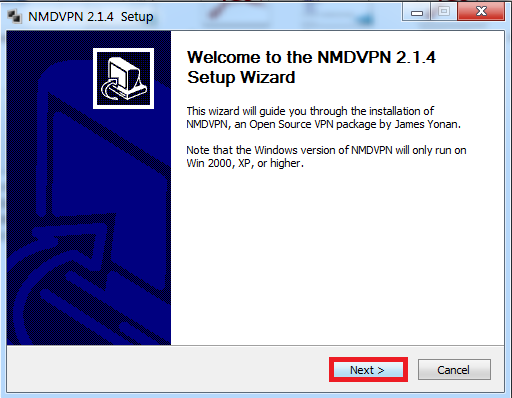
3) Click on Agree.
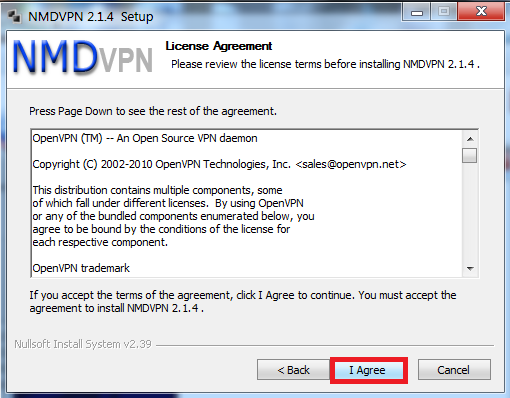
4) Click on Install.
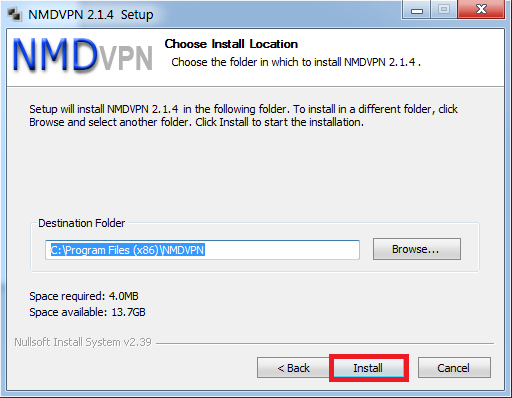
5) Click on Next.
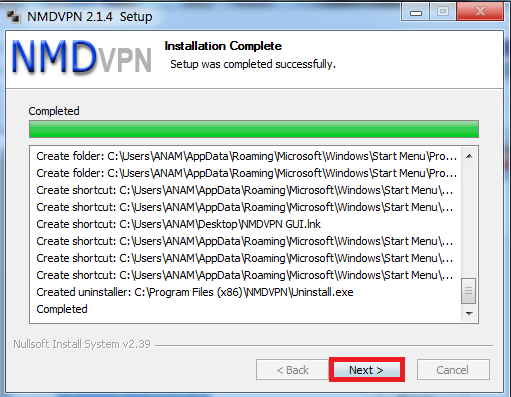
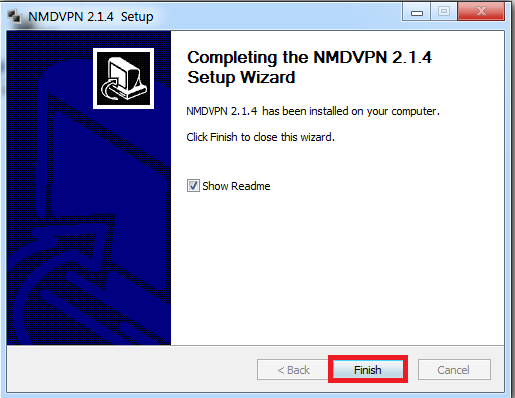
6) Click on Finish.
7) Now go to the config folder of NMD VPN installed in your PC & paste there the config you downloads from our Blog.
Steps To Install NMD VPN : -
1) Right Click on the downloaded NMD VPN software and Run it as anAdministrator.
- Windows XP Users : – Can Directly Install .
- Windows 7 & 8 Users : – Has to Install as Administrator.
3) Click on Agree.
4) Click on Install.
5) Click on Next.
6) Click on Finish.
7) Now go to the config folder of NMD VPN installed in your PC & paste there the config you downloads from our Blog.
- Windows 7 & 8 (64 Bit) : - C:\Program Files (x86)\NMDVPN\config
- Windows XP, 7 & 8 (32 Bit) : - C:\Program Files\NMDVPN\config
Comments
Post a Comment